01
Design software
RK3D Studio
Create personalized 3D designs using guided presets, live preview, custom fonts and protected STL/3MF export.
Explore the Studio → RK3DCreative Technology
Open Studio
RK3DCreative Technology
Open Studio
RK3D Creative Technology
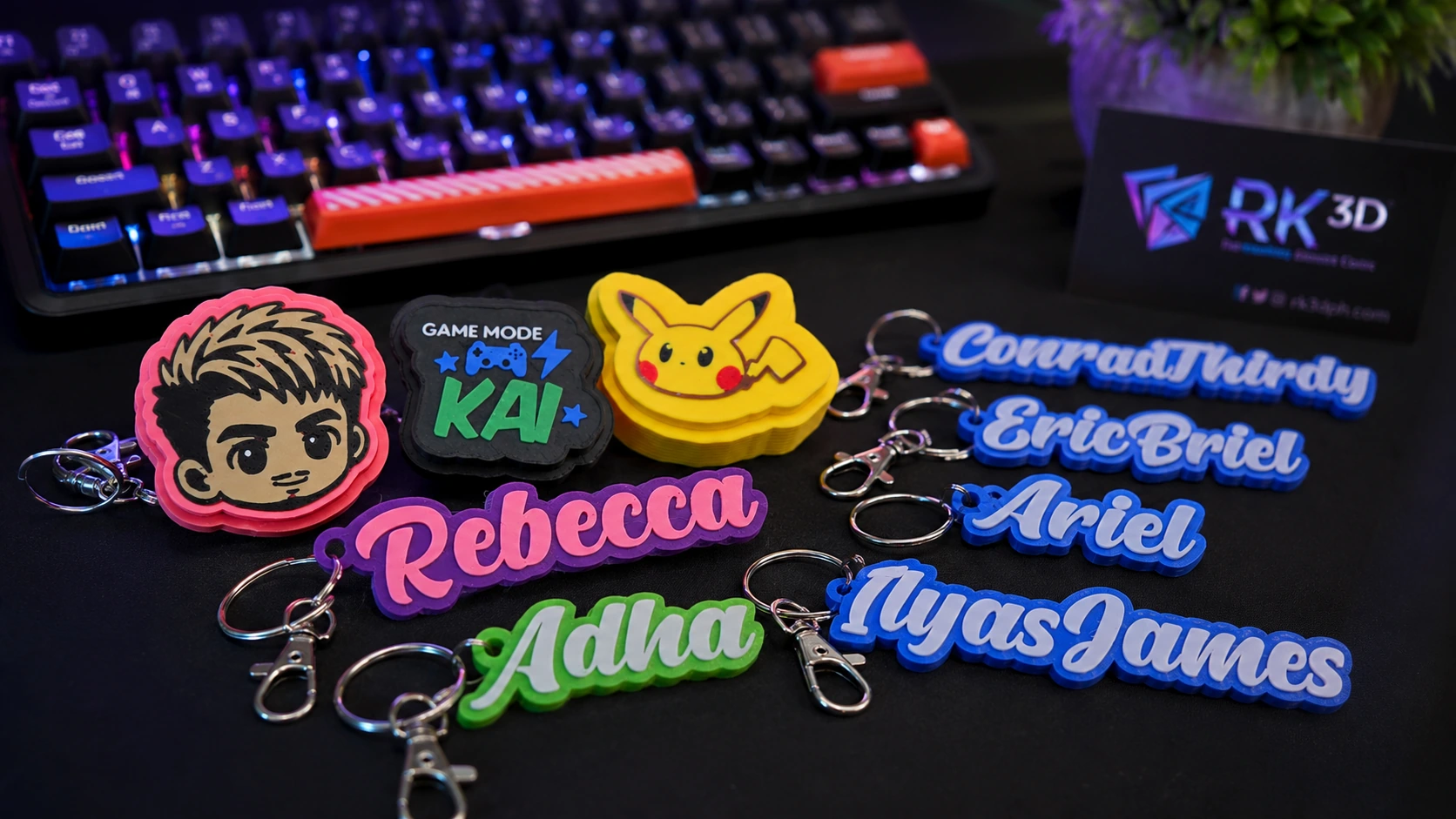
RK3D combines easy-to-use 3D design tools, personalized 3D printed products, and custom website and app solutions for creators, sellers and growing businesses.
assets/snapshots/home-hero.webp
What RK3D does
Choose a ready-to-use design tool, order a personalized product, or build a digital solution around your own workflow.
Design software
Create personalized 3D designs using guided presets, live preview, custom fonts and protected STL/3MF export.
Explore the Studio →Digital services
Custom websites, e-commerce, dashboards, internal workflow systems and purpose-built business applications.
View solutions →Made for you
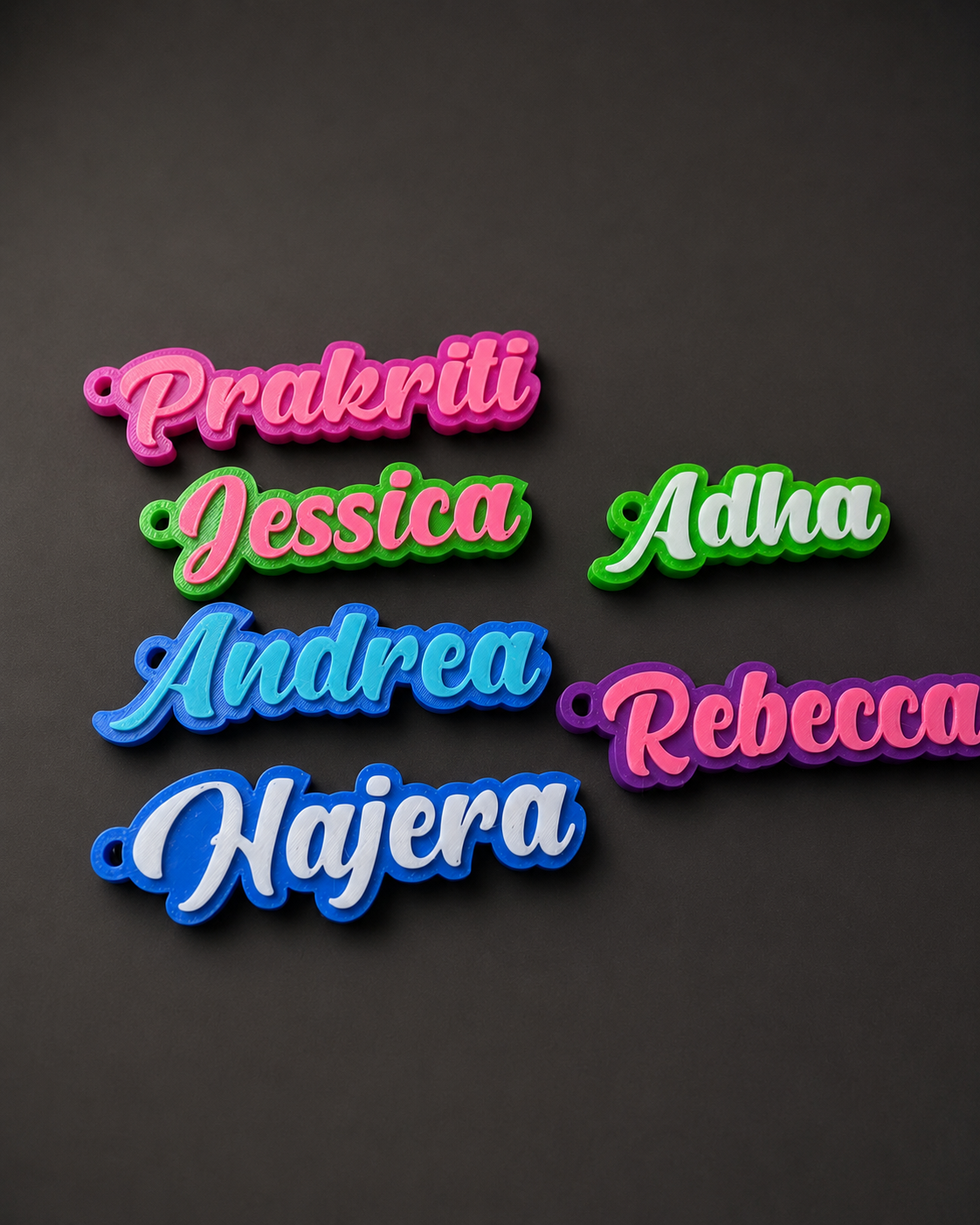
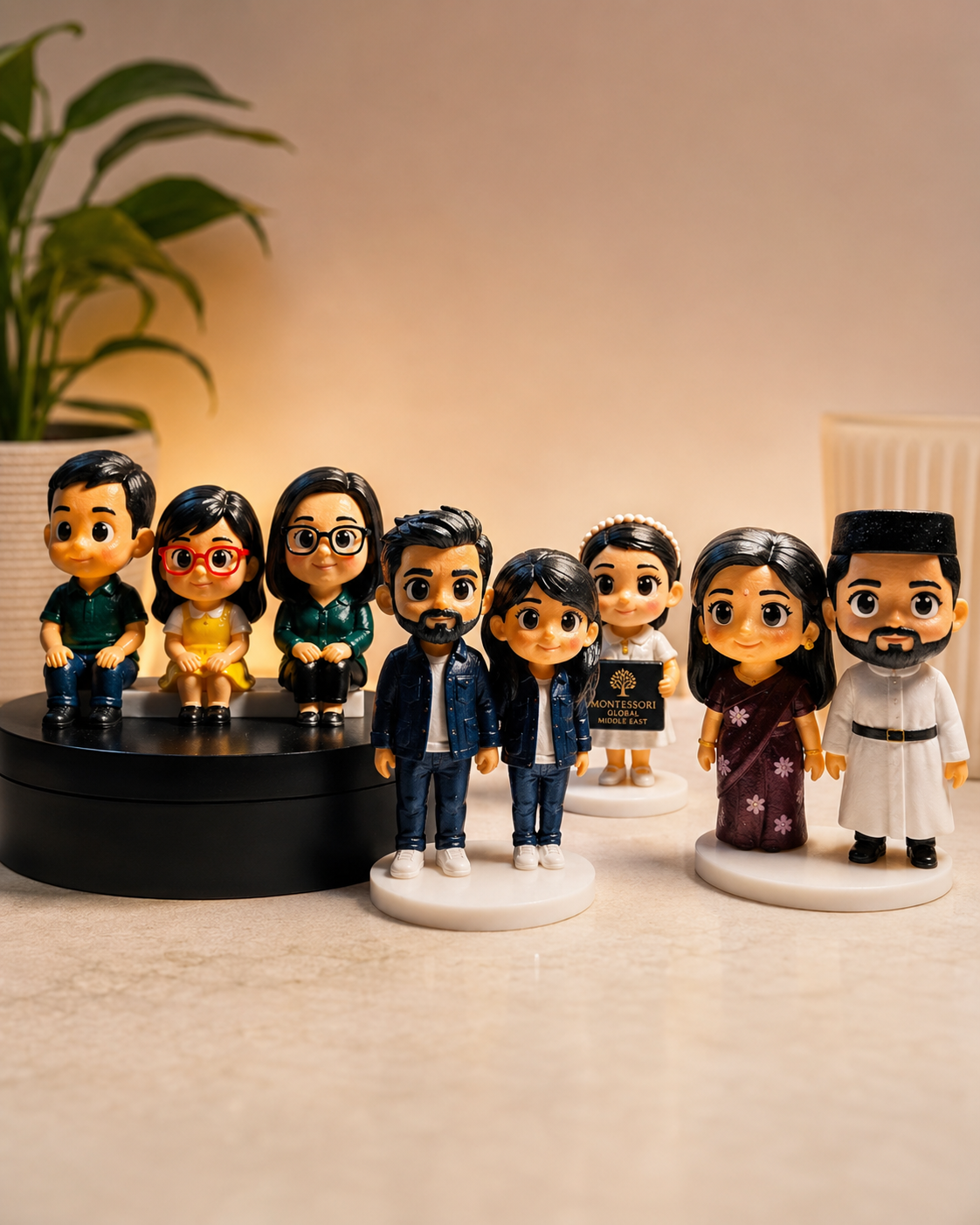
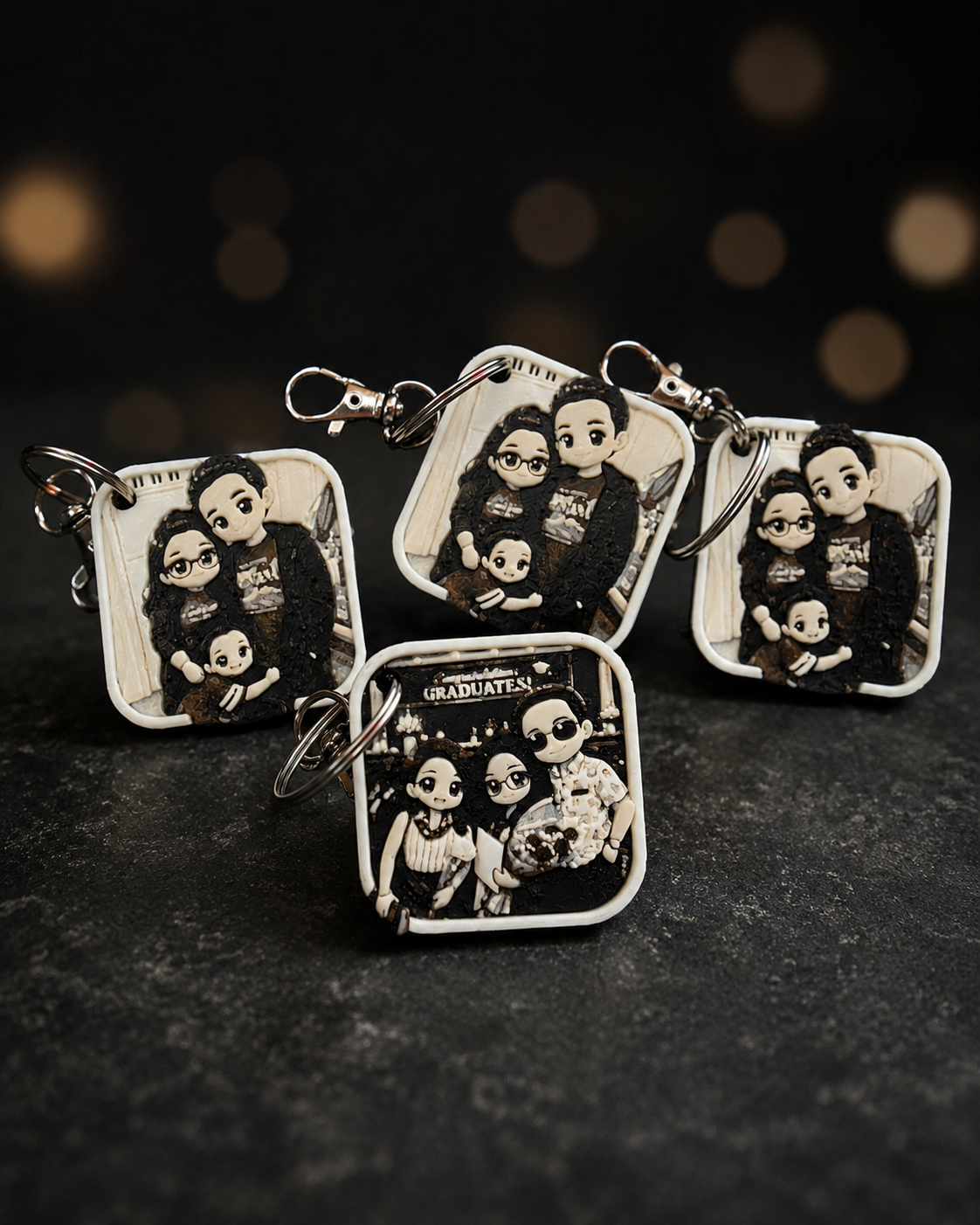
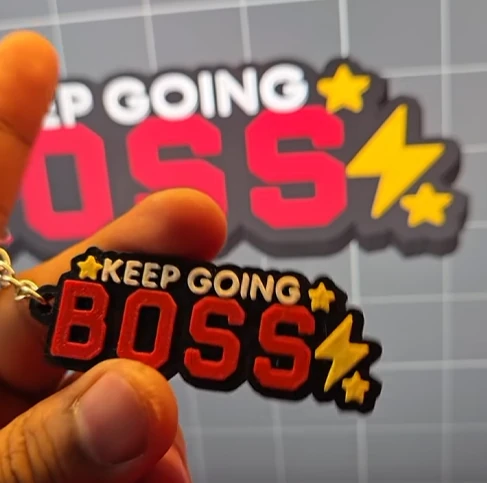
Personalized keychains, photo keepsakes, chibi figurines, gifts and selected custom or bulk orders.
View products →RK3D Studio
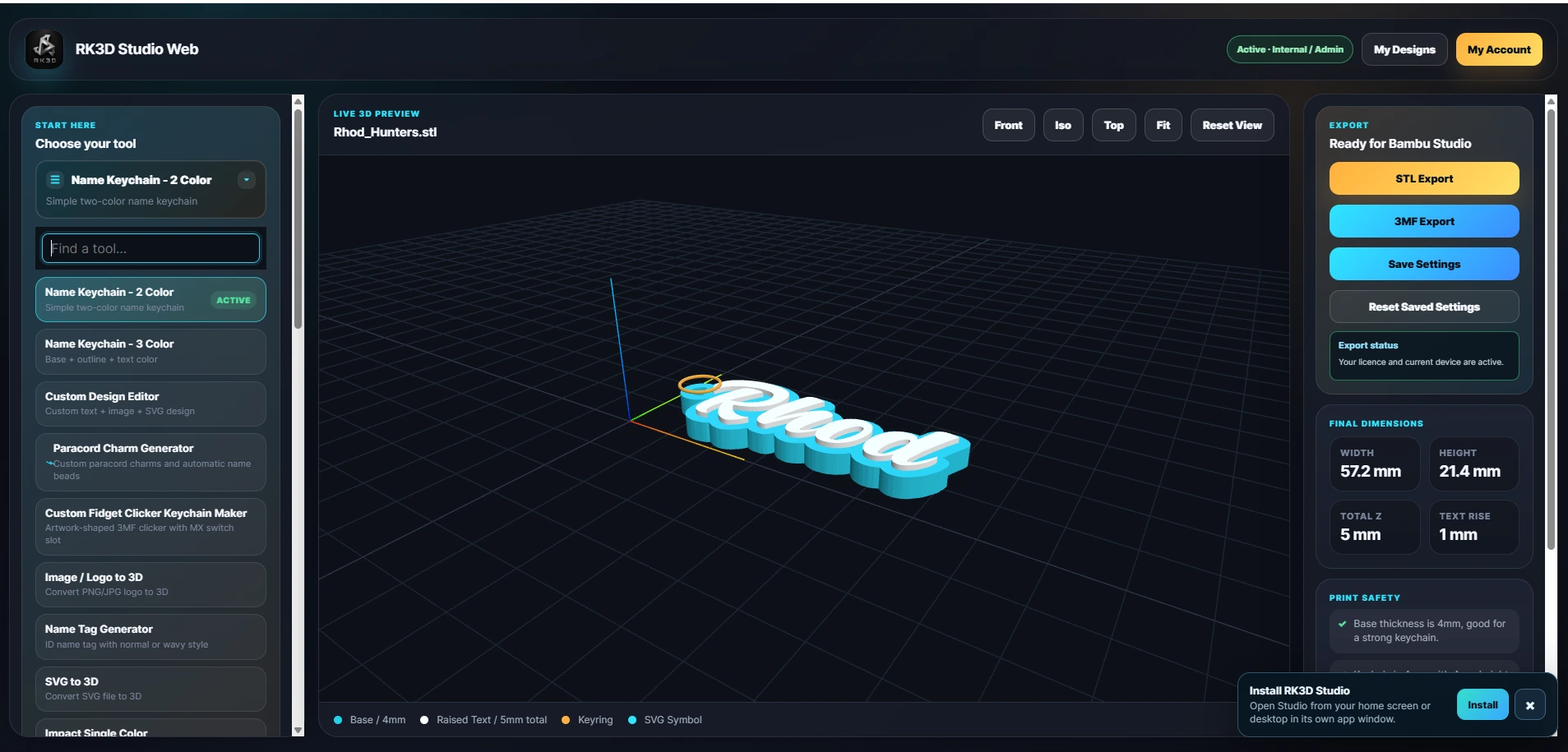
RK3D Studio started as a name-keychain tool. It has grown into a multi-preset design platform for keychains, tags, clickers, SVGs, logos and more—with a guided workflow made for creators and 3D printing sellers.
Guided preset workflow Start from the product you want instead of modeling everything from zero.
Live 3D preview Review proportions, placement and layout before generating your export.
Web and desktop access Use the browser-based Studio and supported desktop workflow under one account ecosystem.
Private creative library Save designs and use your own fonts inside your signed account.
assets/snapshots/studio-overview.webp
Expanding preset library
Each preset is designed around a specific product workflow, so customers can create faster without learning complicated modeling steps.
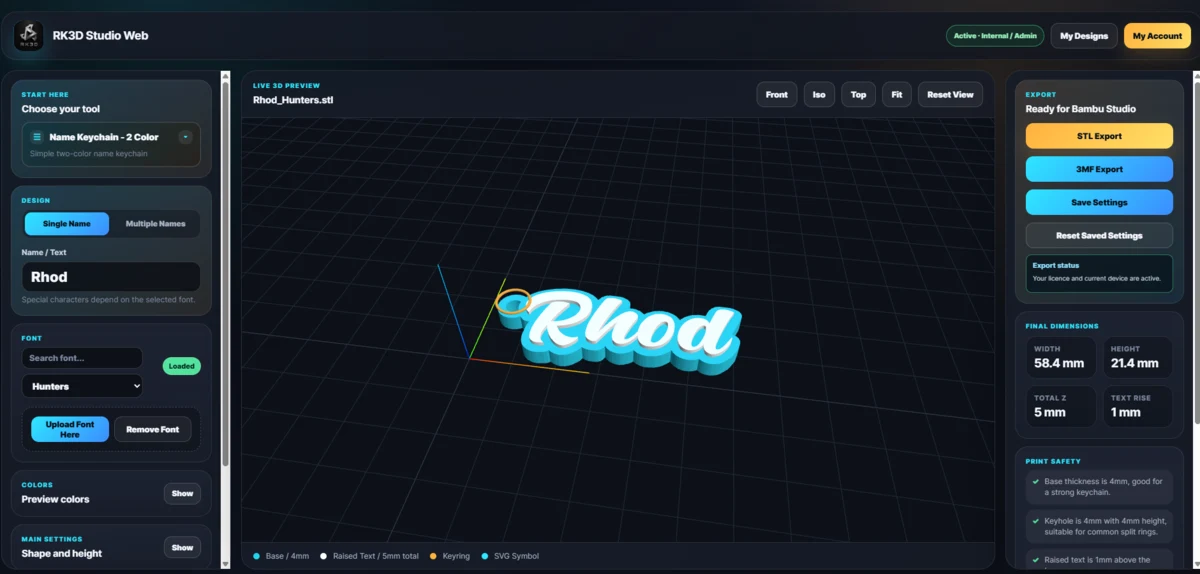 01Name 2 Color
Keychains
Layered personalized names with clear two-color separation for everyday customer orders.
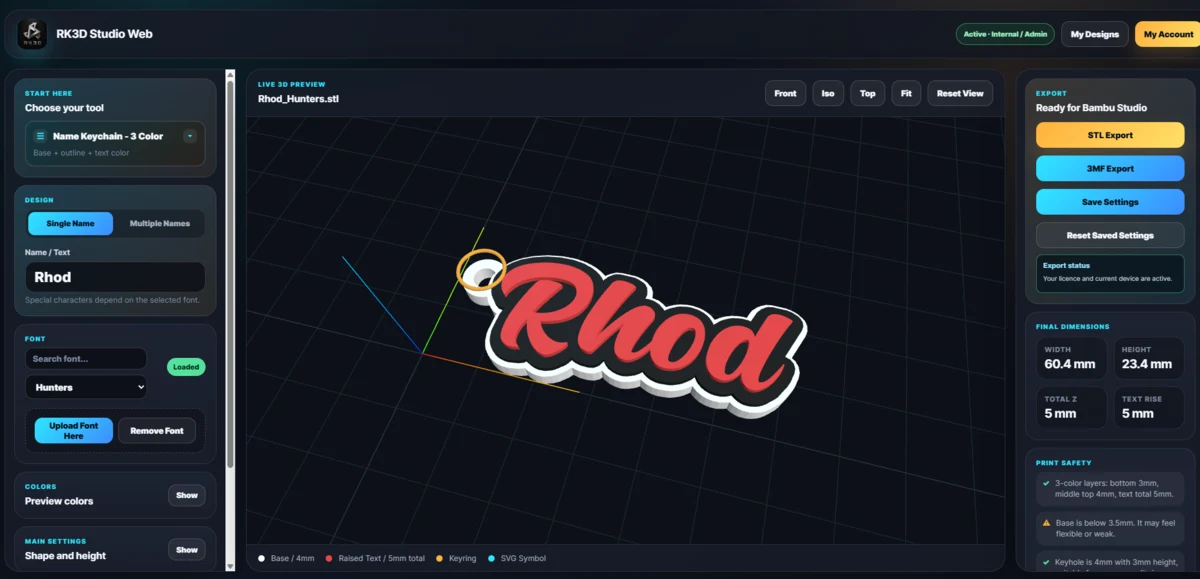 02Name 3 Color
Keychains
Build richer multicolor name designs with separate visual layers and a guided setup.
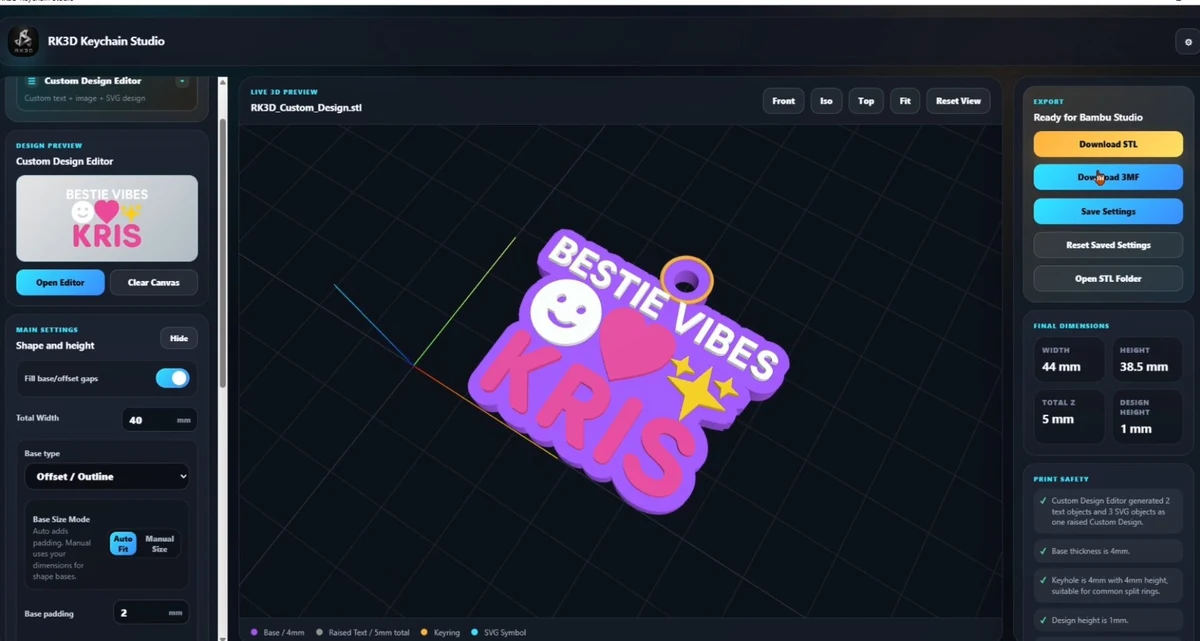 03Custom Design
Creative editor
Combine text, artwork and symbols in one layout for more original personalized designs.
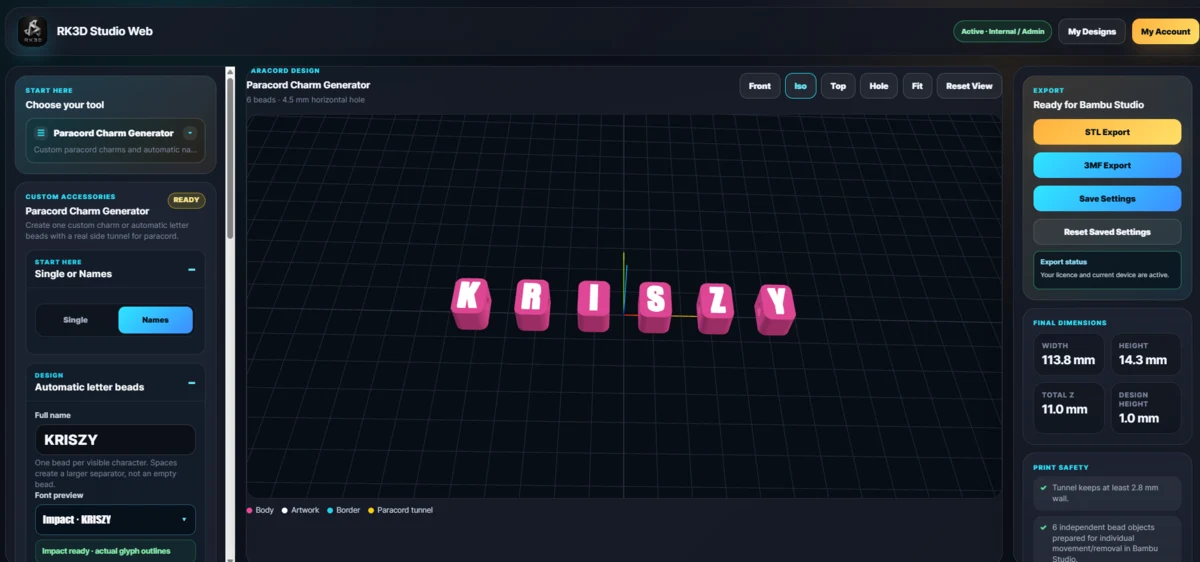 04Paracord Charms
Accessories
Create paracord-ready letter beads and custom charm layouts with a real tunnel for paracord use.
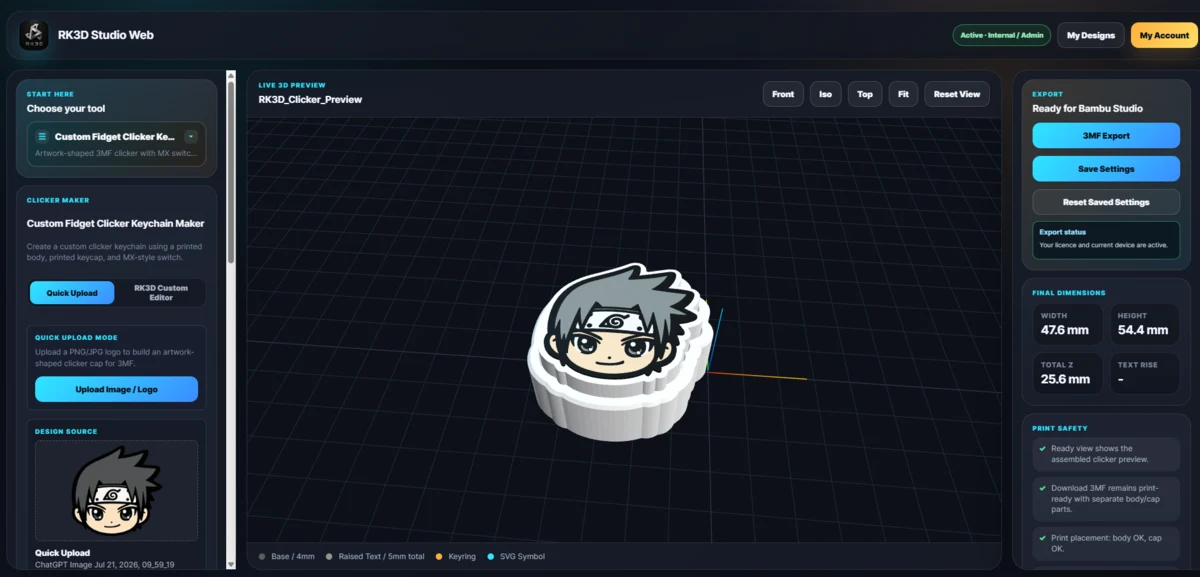 05Fidget Clicker
Interactive
Personalize a functional clicker keychain through adjustable guided controls and preview-ready assembly.
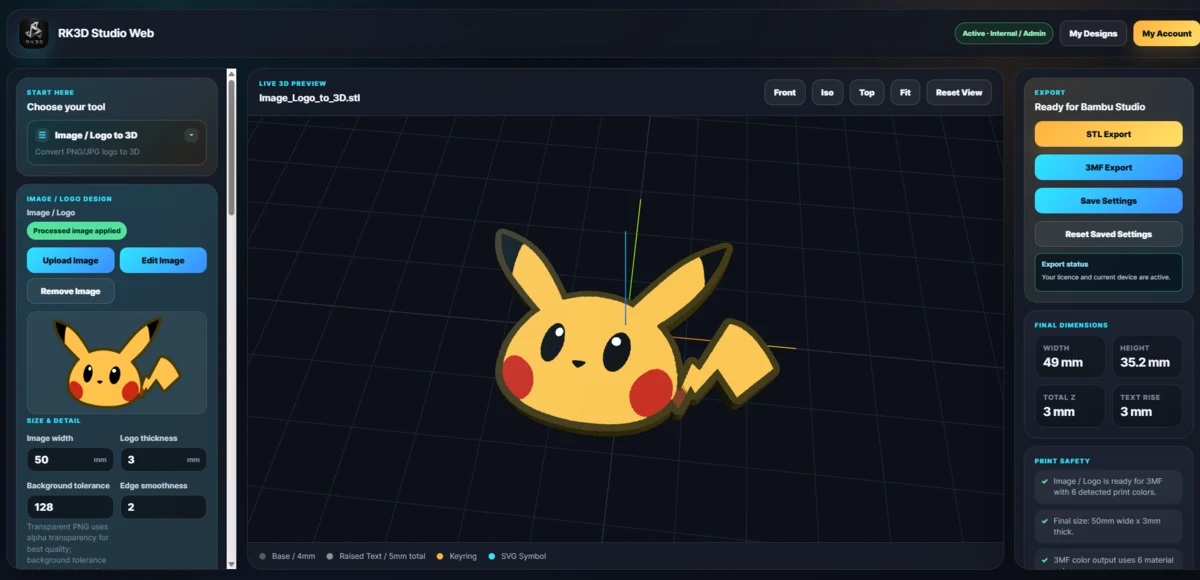 06Image / Logo to 3D
Image conversion
Turn suitable images or logos into clean, raised printable pieces through a guided conversion workflow.
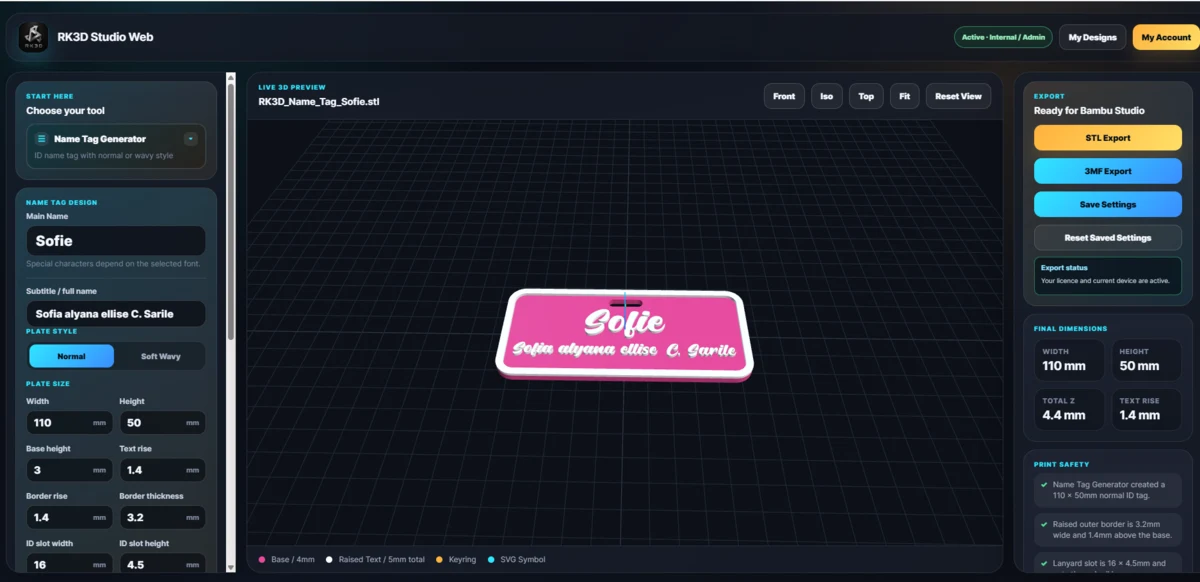 07Name Tag Generator
Tags & labels
Create personalized name tags with adjustable text, spacing, size and layout controls.
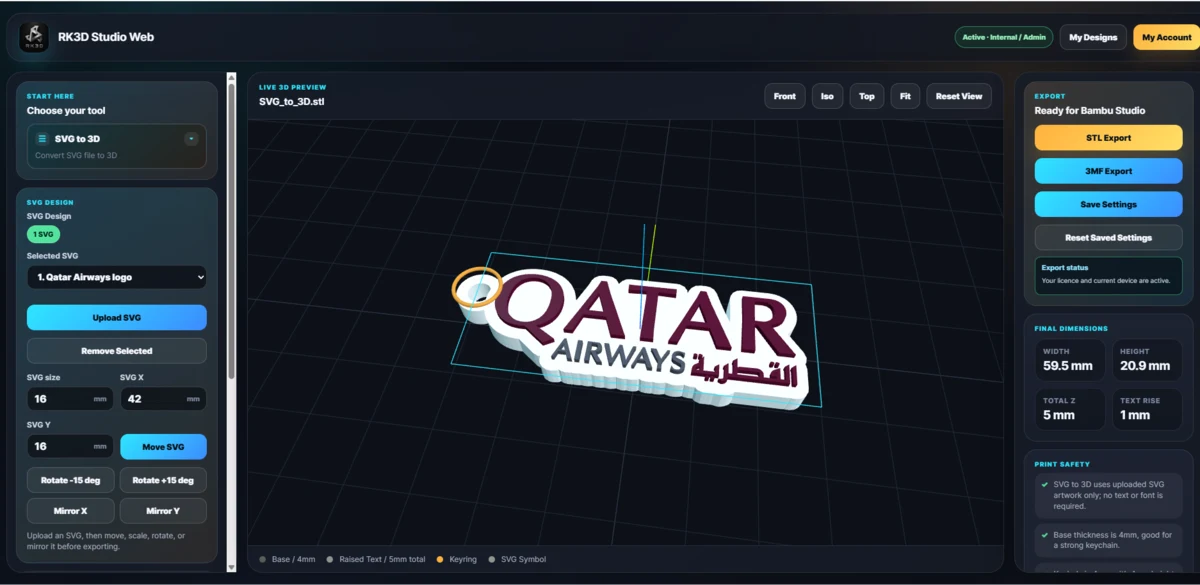 08SVG to 3D
Vector conversion
Bring suitable vector artwork into the Studio and convert it into a printable raised design.
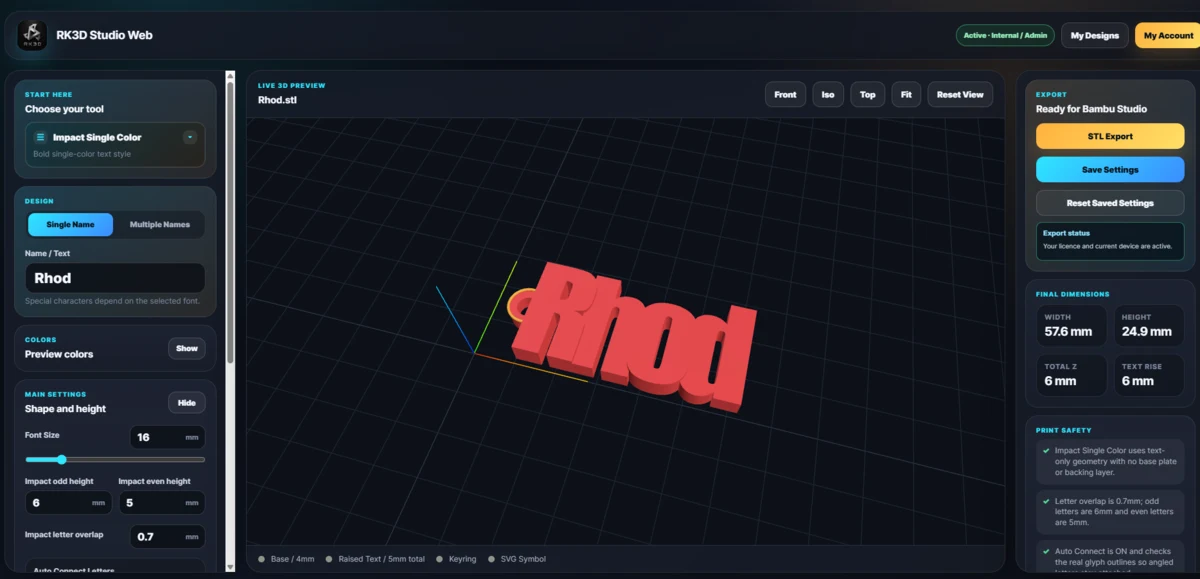 09Impact Single Color
Bold text
Create strong single-color text pieces using the bundled Impact-style workflow for bold names and batches.
The preset library continues to grow. These nine cards now use selected real snapshots from your actual RK3D Studio workflows, plus the new Paracord Charm Generator preset.
Simple creative workflow
Start with the product or design type you want to create.
Add text, names, fonts, colors, artwork and supported options.
Inspect the generated design and refine it before export.
Generate protected STL or 3MF output for your slicer workflow.
RK3D Studio plans
Explore the Studio first. Paid access is available when you need more active use across the RK3D Studio ecosystem.
FREE
Preview the Studio and test supported design workflows before signing in.
Open Studio3 exports
Verified users receive three lifetime exports to experience the complete creation flow.
Create Account₱399
₱199.50
50% OFF
For short production periods, special orders or focused project work.
Buy / Message₱999
₱499.50
50% OFF
Best for creators and sellers handling regular personalized orders.
Buy / Message₱6,499
₱3,249.50
50% OFF
The lowest long-term cost for serious sellers and regular production use.
Buy / MessageThe 50% OFF paid-plan promo is shown on this website revision. Final purchase confirmation remains directly with RK3D.
Frequently asked
For a custom website, app or business system, visit the Digital Solutions page and send your workflow or project idea.
View Digital Solutions →No. The Studio now includes multiple guided presets for names, tags, clickers, SVGs, logos and other supported product workflows.
Yes. The browser-based Studio is available at studio.rk3dph.com. Supported desktop access remains part of the broader Studio ecosystem.
Signed users can use supported custom fonts and keep private font files associated with their account.
Supported presets can produce protected STL or 3MF output for compatible slicer and 3D printing workflows.
Yes. RK3D Digital Solutions covers business websites, e-commerce, dashboards, workflow systems, internal tools and custom web applications.
Choose your next step
Open the Studio, browse our custom products, or discuss a website or application built around your business.